


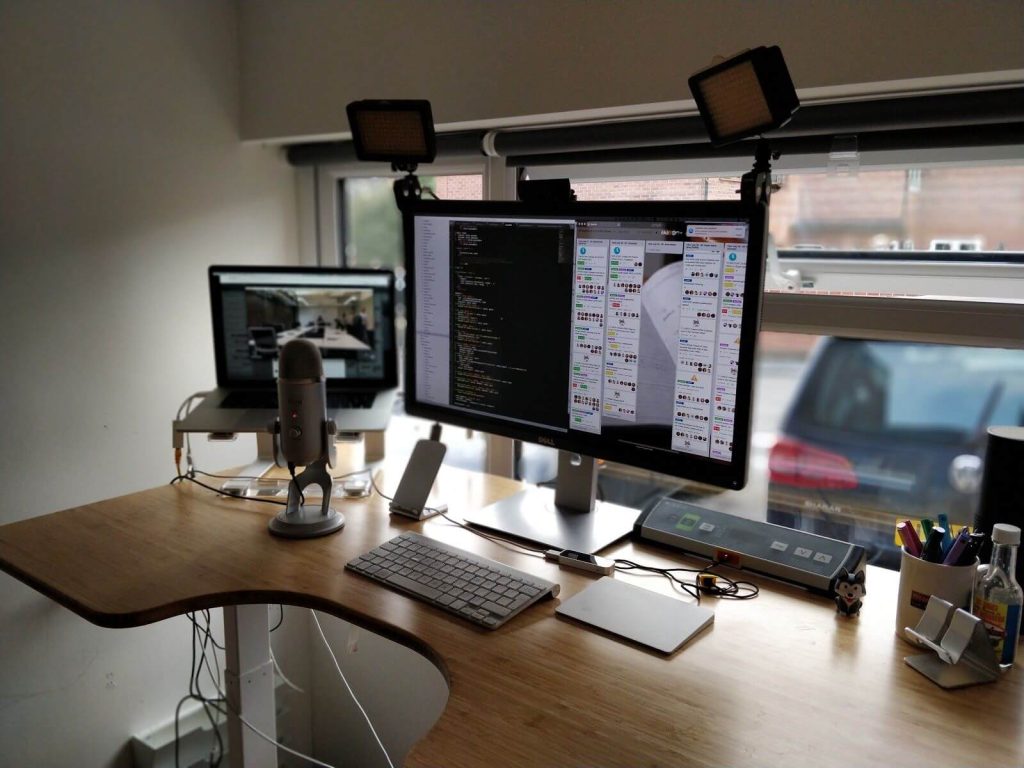
Remote work is no longer a temporary shift it’s a permanent reality for millions of professionals across the United States. A well-designed home office directly impacts productivity, focus, posture, and long-term health. The best setups balance ergonomics, functionality, and comfort without turning your workspace into a showroom or an unnecessary expense.
This guide breaks down the best home office setups for U.S. remote workers, focusing on the four essentials that matter most: chairs, desks, monitors, and accessories. These recommendations are based on real-world use, ergonomic principles, and what actually improves day-to-day work performance.
Ergonomic Chairs: The Foundation of Any Home Office
An ergonomic chair is the single most important investment in a home office. Sitting for extended periods without proper support leads to back pain, fatigue, and reduced concentration. High-quality ergonomic chairs support spinal alignment, encourage movement, and reduce strain on the neck and shoulders.
Premium options from companies like Herman Miller are widely used by professionals who spend long hours at a desk. These chairs are designed for adjustability, breathable support, and durability. More budget-friendly ergonomic chairs can still be effective, as long as they provide lumbar support, adjustable armrests, and seat height control.
For remote workers, comfort isn’t a luxury it’s a productivity requirement. A good chair prevents physical fatigue that quietly erodes focus throughout the day.
Desks: Fixed vs. Standing for Remote Work
Your desk determines how flexible and healthy your workday can be. Traditional fixed desks are reliable and cost-effective, but standing desks are increasingly popular among U.S. remote workers who want to reduce prolonged sitting.
Electric standing desks from brands like FlexiSpot allow workers to alternate between sitting and standing without disrupting workflow. This movement improves circulation, reduces stiffness, and supports long-term health. The ideal desk provides enough surface area for monitors, a keyboard, and accessories while maintaining stability at all heights.
Whether fixed or adjustable, the best desk is one that fits your space, supports proper posture, and encourages movement throughout the day.
Monitors: Productivity Multiplier for Remote Workers
A quality monitor setup dramatically improves efficiency, especially for professionals working with data, writing, design, or multiple applications. Larger screens and higher resolutions reduce eye strain and eliminate constant window switching.
Many remote professionals prefer ultrawide or dual-monitor setups, often using displays from brands like Dell UltraSharp, known for clarity, color accuracy, and reliability. Proper monitor height is critical the top of the screen should sit at or just below eye level to avoid neck strain.
In a home office, a good monitor isn’t just about screen size. It’s about visual comfort, focus, and workflow efficiency.
Accessories That Complete the Setup
The right accessories turn a basic desk into a high-performance workspace. External keyboards and mice improve wrist alignment and reduce repetitive strain, especially compared to laptop trackpads. Brands like Logitech offer ergonomic input devices designed for long work sessions.
Lighting also plays a major role in productivity. Adjustable desk lamps reduce eye fatigue, while proper ambient lighting prevents screen glare. Noise-canceling headphones, cable management solutions, and monitor arms further enhance focus and organization, creating a workspace that feels intentional rather than improvised.
A Practical Home Office Setup for U.S. Remote Workers
The best home office setups are not about luxury they are about alignment between comfort and output. An ergonomic chair supports posture, a desk enables movement, monitors streamline work, and accessories eliminate friction. Together, these elements create an environment where remote workers can perform at a high level without physical strain.
Remote work success depends as much on your environment as your skills. Investing thoughtfully in your home office setup pays off every day through better focus, higher energy, and sustained productivity.
Final Thoughts
A well-designed home office is one of the smartest investments a remote worker in the U.S. can make. Rather than chasing trends or copying influencer setups, focus on fundamentals that support how you actually work. Comfort, clarity, and consistency matter more than aesthetics alone.
The best home office setup is one that helps you work better today and still feel good tomorrow.